Create an Announcement Category
Navigate to Settings ➜ All Settings ➜ General ➜ Event Types and Announcement Categories.
Select the Announcement Categories tab. Navigate to and click on the Add button. The Add Announcement Category pop-up screen appears.
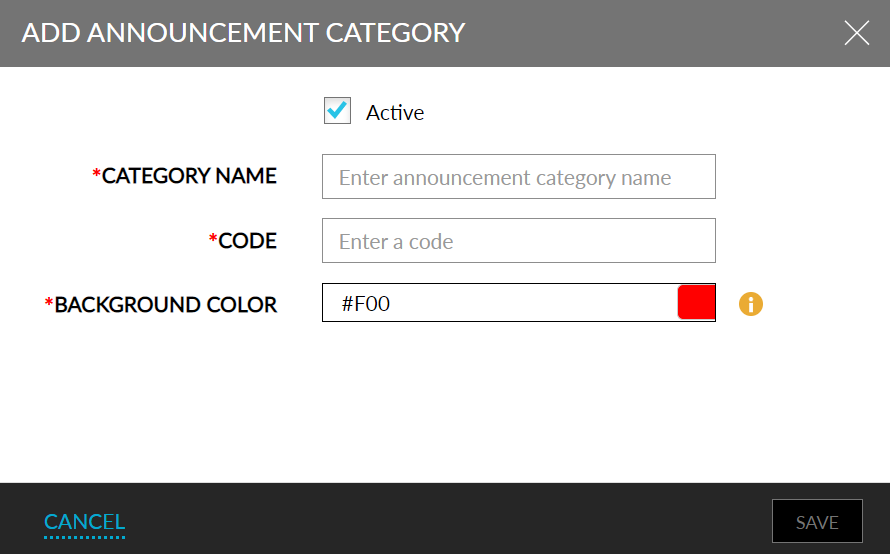
Refer to the below table and update the fields accordingly.
|
Field |
Description |
|---|---|
|
Active |
Enable the checkbox to activate the category. |
|
Category Name |
Enter the name of the category. |
|
Code |
Enter an unique code for the category. |
|
Background Color |
Choose the background color for the category to display announcements from the color picker. |
Click Save.